Reporter Role · Add-on

Let everyone easily submit reports.
Only you retain control.

The Reporter role allows external parties such as residents, customers, and subcontractors to create tickets in your project without giving them access to information not intended for them.

No paid account required Only their own tickets are visible Invite for free

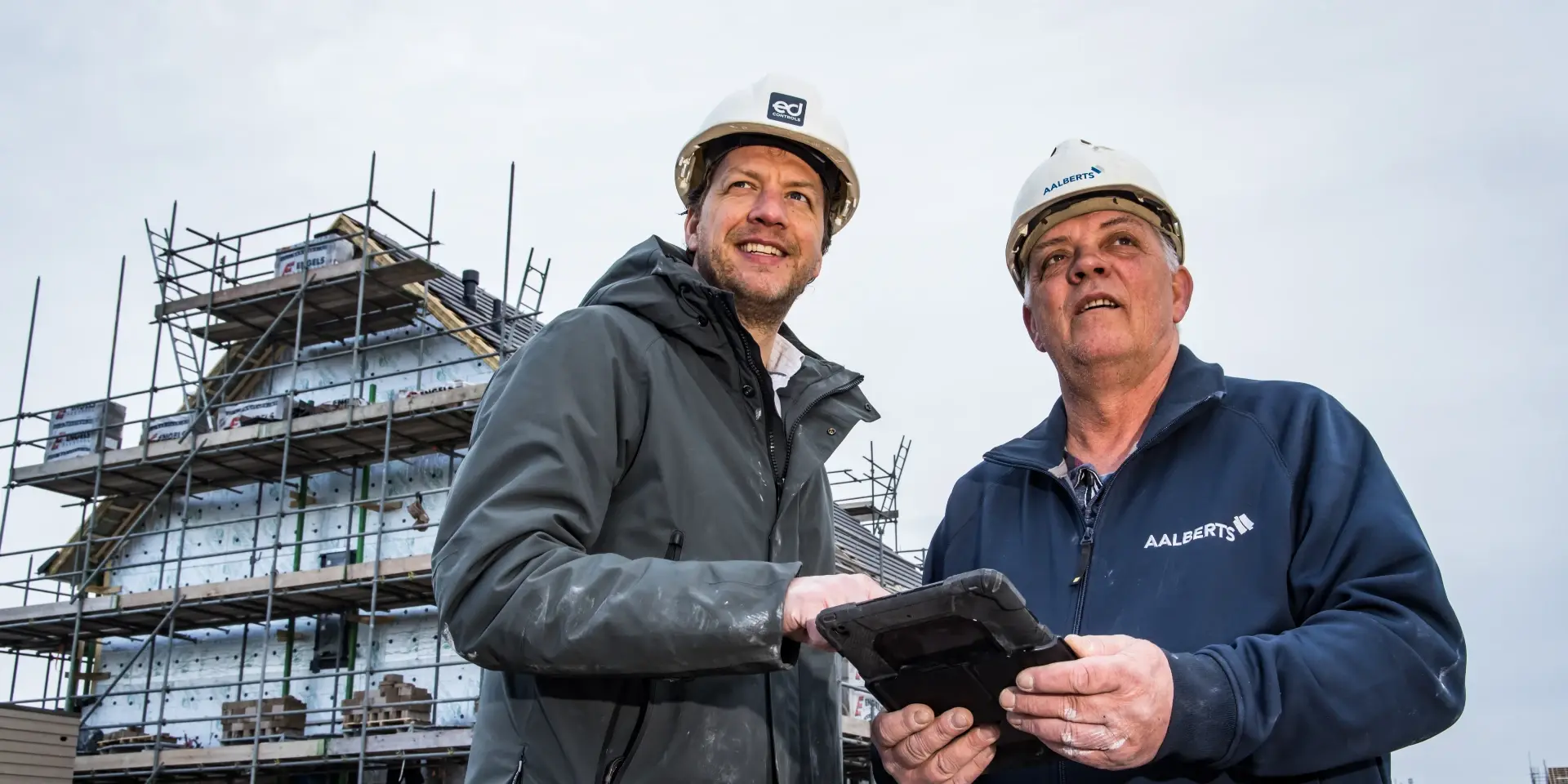
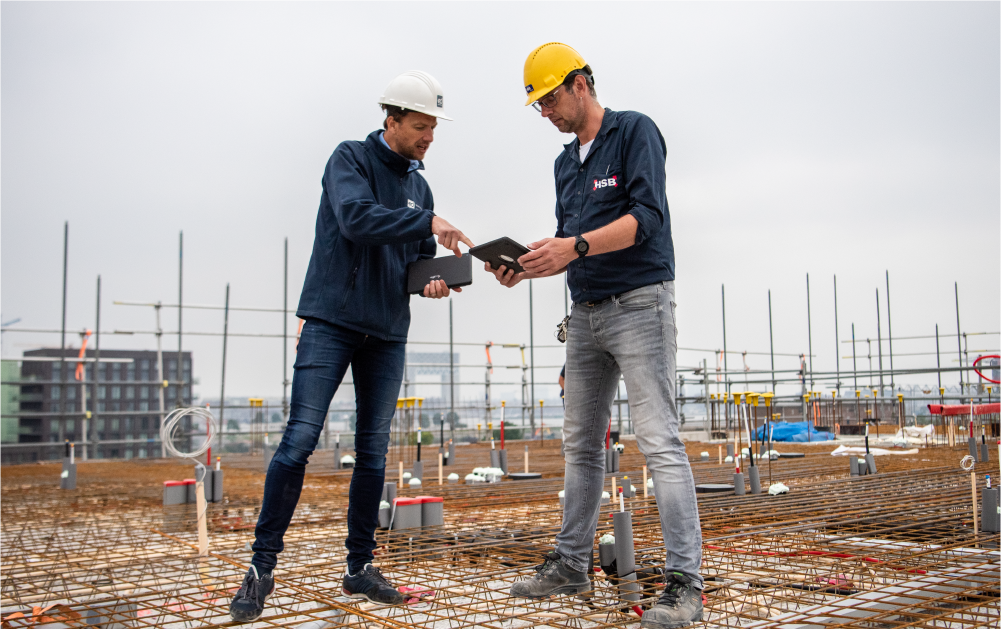
Vakman maakt een melding op de bouwplaats via tablet


What is it?

A role for those who just want to report

The Reporter role is specifically designed for people who want to report an issue but have no further role in the follow-up. For example:

  • A resident who notices a crack in the wall.
  • A client who notices a deviation at the construction site.
  • A subcontractor who wants to report a problem without access to the entire project.

With the Reporter role, they can create tickets and that's exactly all they can do.

They can only see their own tickets. No project overview, no other reports, no communication between other parties. Secure for you, easy for them.
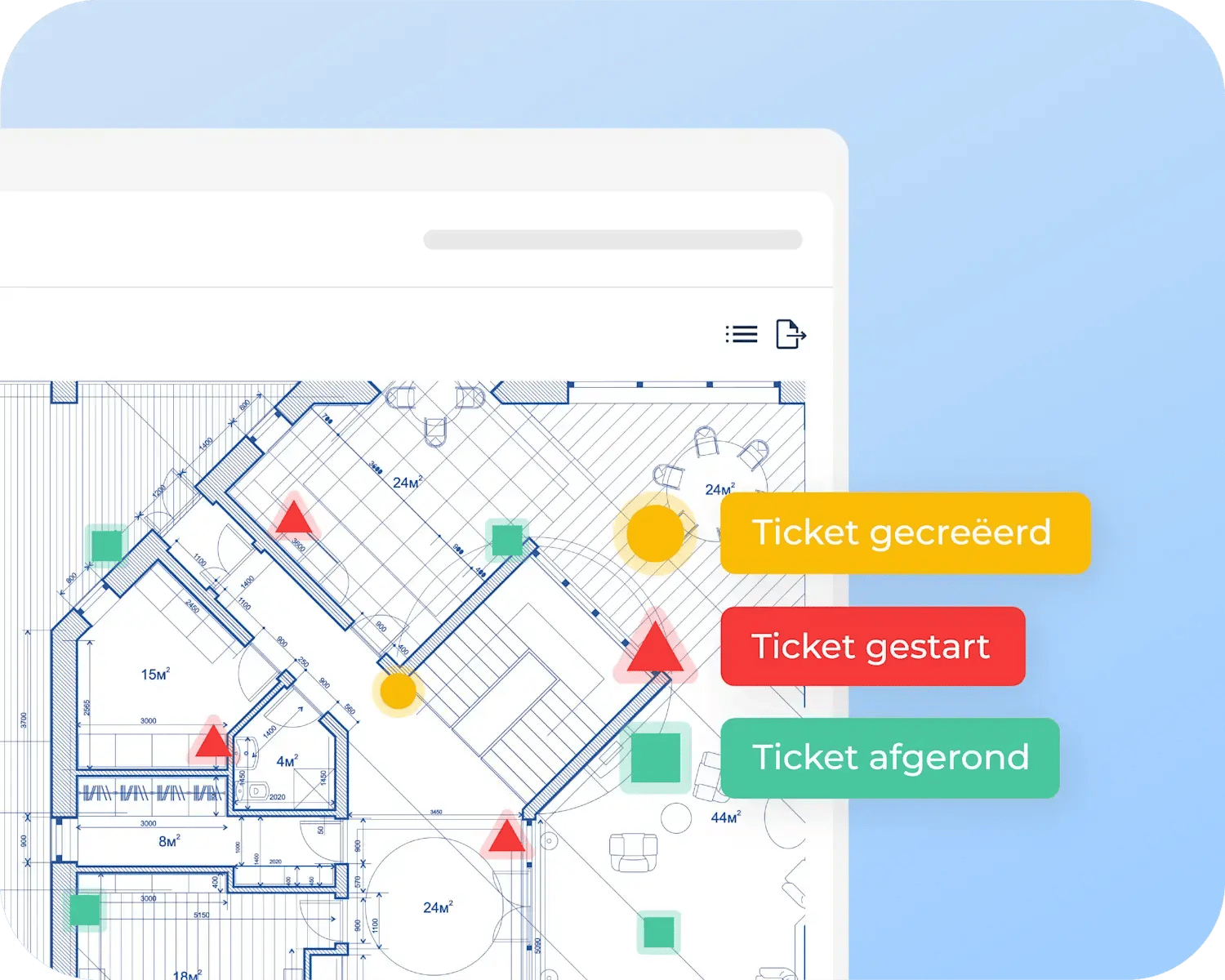
Overzicht van ticketstatussen in Ed Controls


Rights

What exactly can a Reporter do?

Here’s what they cando
Create tickets on drawings
Create tickets on the map
Add comments to their own tickets
View the status of their own tickets
This is not possible
View others' tickets
Respond to messages from other users
Perform audits or view other project components

Important: A Reporter does not need a paid account. You can invite them for free using their email address.

Applications

Who is it for?

The Reporter role is most valuable in situations where you want to involve an external party but deliberately want to limit information sharing.

Residents in new construction or upon completion

Let residents report defects themselves via their phones. No separate forms or phone calls, but just a ticket created directly in your project.

Clients and customers

Give your client the ability to record observations without granting them access to internal communications or the progress of other parties.

Subcontractors with a limited role

A subcontractor who only needs to report something and does not need to follow up on it is assigned the Reporter role. This helps you maintain the RASCI model and avoid unnecessary Support access.

Administrators and facility teams

In management-phase projects, reports can come in through multiple people. The Reporter role makes this scalable without cluttering your project structure.


Getting Started

How to Add a Reporter

1

Go to the project settings for the relevant project

2

Click the pencil icon next to the project tile

3

Enter the email address of the new Reporter

4

The Reporter will automatically receive an invitation

Tip: Be sure to send the Reporter the standard user guide as well; you can find it in the project settings. It provides step-by-step instructions on how to create tickets.

Don’t have the Reporter role active yet?

See how it works

Get Started

Ready to give it a try?

You probably already have projects where the Reporter role adds immediate value. Take a look at which external parties are still submitting reports via WhatsApp, email, or phone, and bring them over to Ed Controls.

Add your first Reporter

Brands Construction
"Met Ed Controls zie je niets over het hoofd"
arrow-newblue
Aalberts neemt het voortouw
Aalberts
Aalberts neemt het voortouw
arrow-newblue
HSB: Ed Controls is de hamer van de uitvoerder
HSB
HSB: Ed Controls is de hamer van de uitvoerder
arrow-newblue